Oct 13 - Post-Sync Payment Status
You can now see where a synced invoice stands on payment without leaving Agave. Agave reads payment progress back from your ERP and shows it as a Payment Status in the Inbox and on the invoice.
An invoice's life does not end when it syncs. It still gets posted, selected for payment, and paid, and sometimes it is voided or reversed. Until now, answering "has this been paid yet?" meant opening the ERP. Payment Status brings that answer into Agave.
Payment status is currently supported for Sage Intacct and Foundation, and is coming soon for all other ERPs.
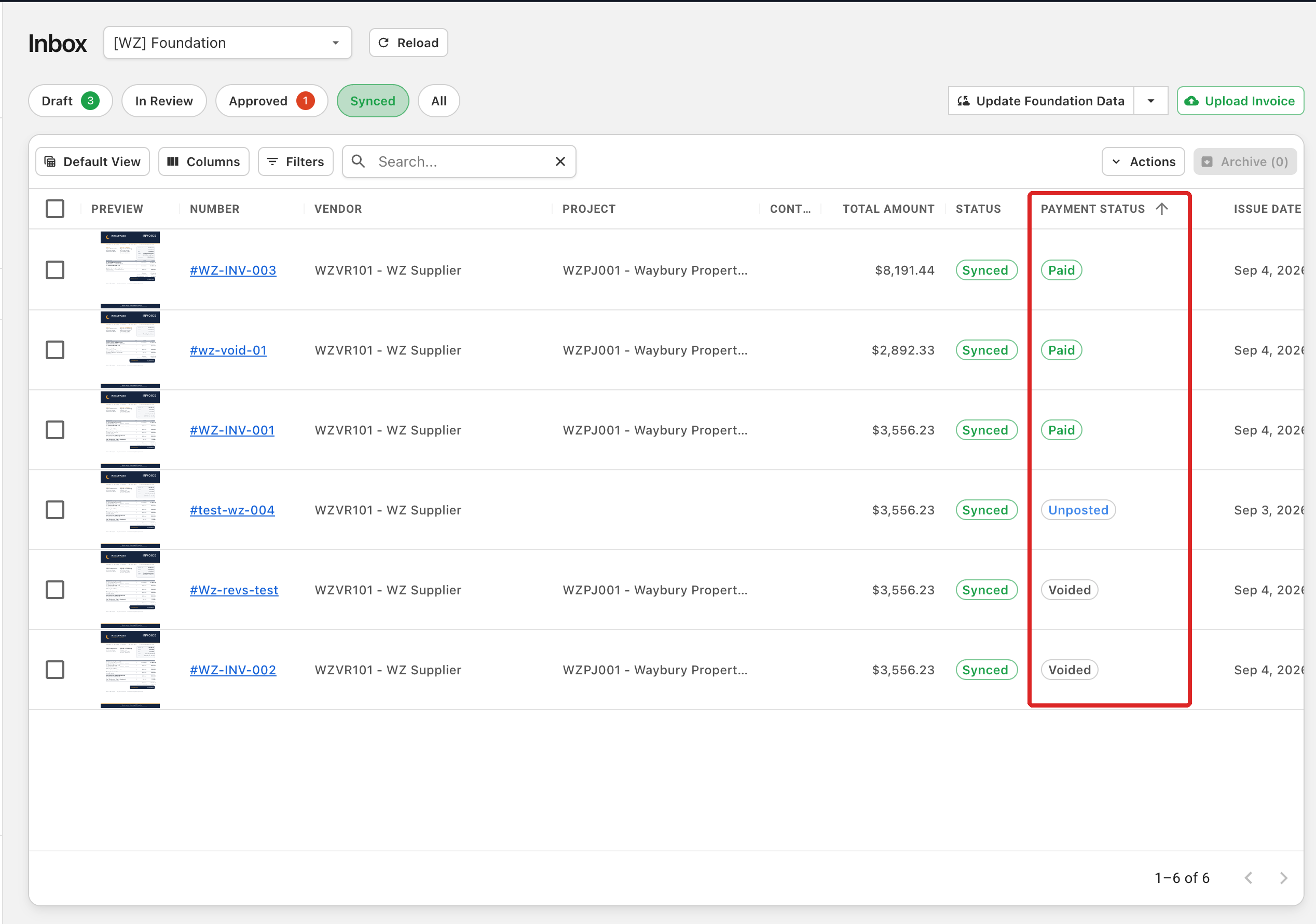
In the Inbox
The Synced tab has a new Payment Status column. If you cannot see it, turn it on from the Columns picker. Sort on it to group invoices by where they stand on payment.
On the Invoice
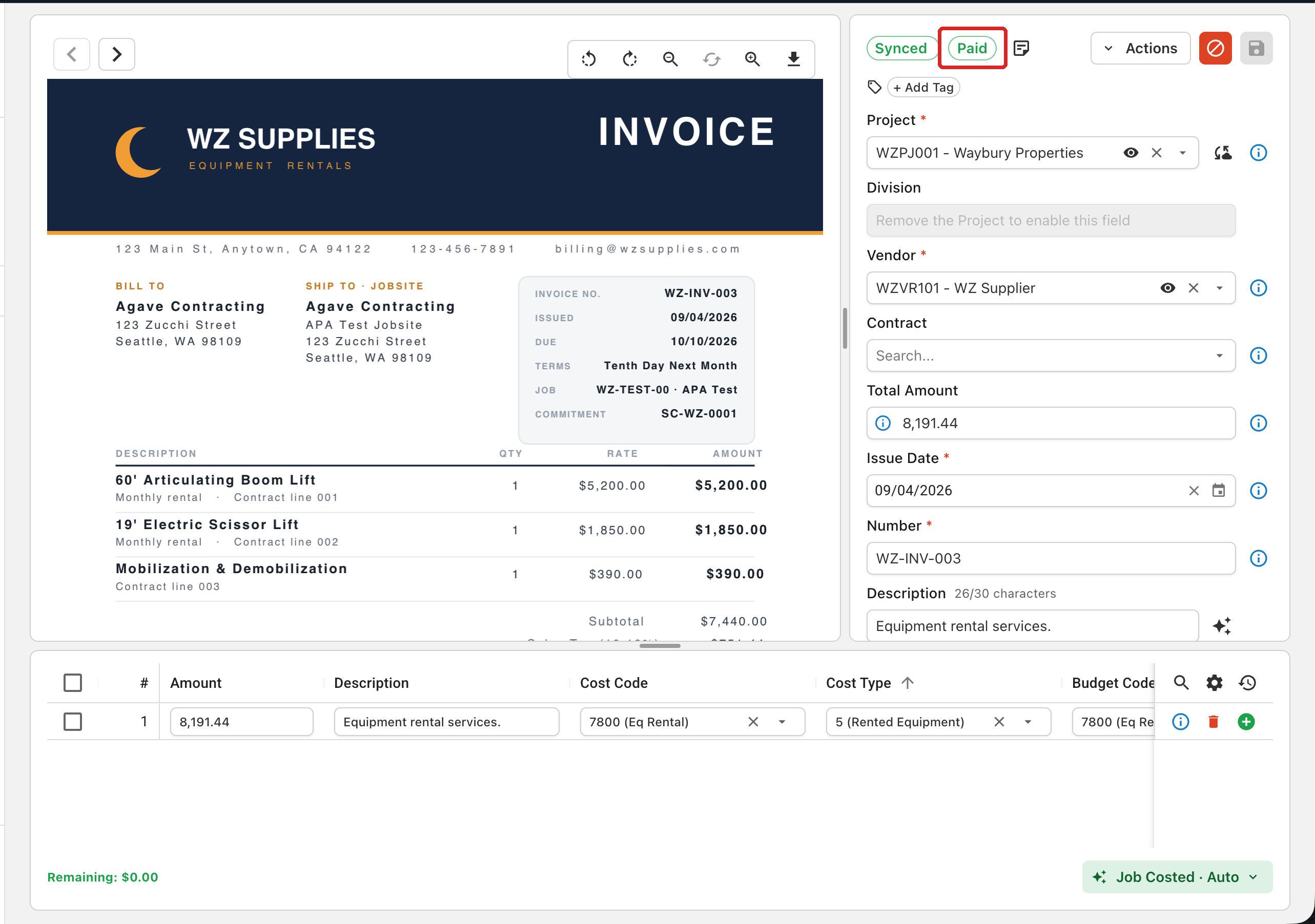
Open any synced invoice and the payment status appears next to the Synced status at the top of the invoice page.
What the Statuses Mean
Where your ERP tracks a payment status on the invoice, Agave shows it as is. Where it does not, Agave works it out from the ERP's payment records. The statuses follow the invoice from sync to payment, and the full list for each ERP is in the Post-Sync Payment Status guide.
To pull the latest status right away, open the dropdown next to the Update [ERP] Data button in the Inbox and select AP Invoices.
Go Deeper
- Post-Sync Payment Status: turning on the column, refreshing status, and every status for each ERP