May 21 - Tags
You can now create custom tags and apply them to invoices to organize, filter, and communicate state in the inbox.
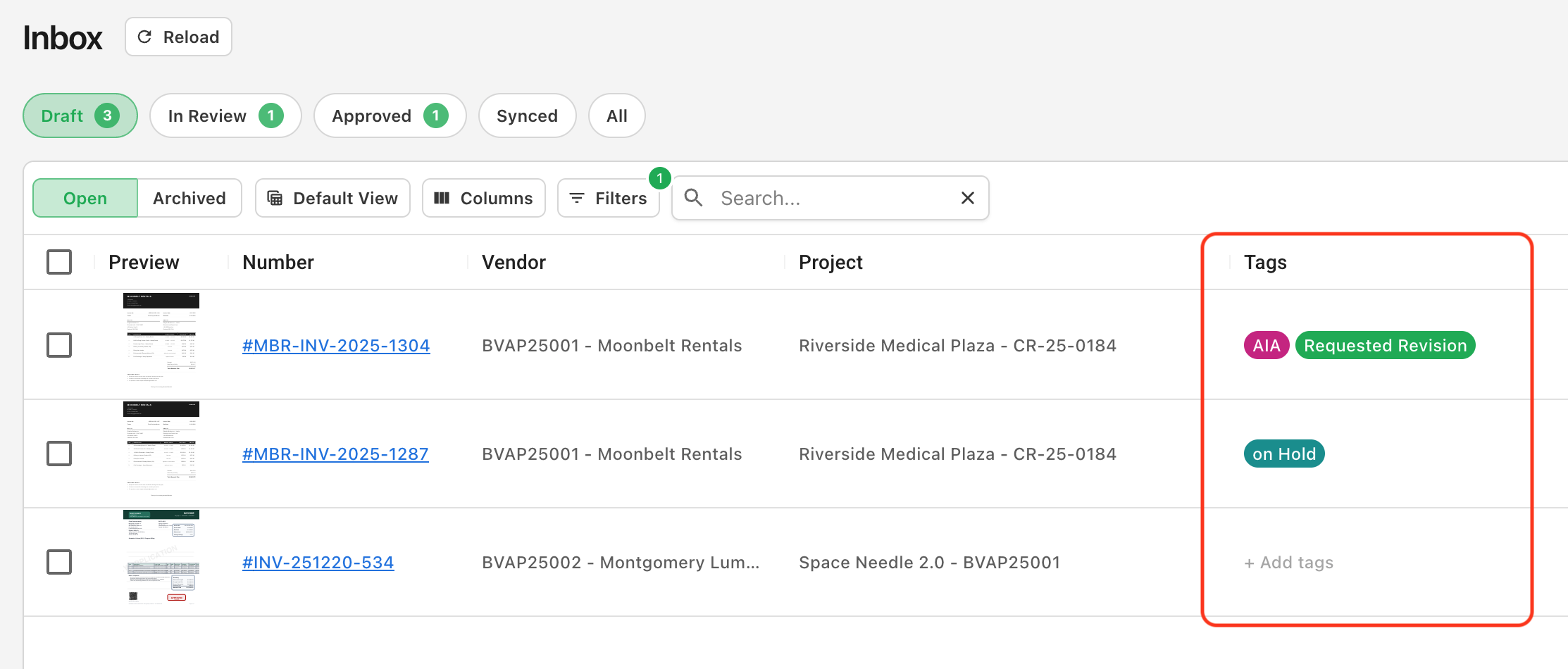
Tags are a flexible way to categorize invoices beyond the standard workflow statuses. Use them to signal an intentional hold, flag invoices for follow-up, distinguish pay app formats like AIA 702/703, or group anything else that matters to your team.
Managing Tags
Admins can create and manage tags from the Configuration Settings. Add a tag, rename it inline, or remove it when it's no longer needed. Changes apply across the account so the same tag set is available to every reviewer.

Applying Tags
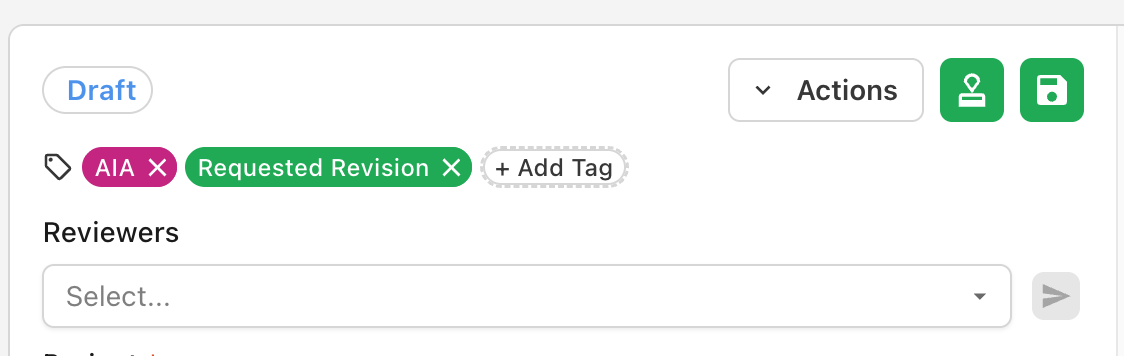
Apply tags from either the inbox or the invoice view. One or more tags can be applied to an invoice.
Filtering and Sorting
Filter or sort the Tags column to focus on specific tags, and pair it with saved views to build dedicated worklists.