Feb 19 - Exclude Vendors and Projects from Automatching
· One min read
You can now designate specific Vendors and Projects that Agave AI will not automatch when coding your invoices.
Previously Agave AI could overmatch particular Projects or Vendors in certain edge cases. Examples:
- Overhead or other Projects located at your office, sharing an address with the "Bill to" address on invoices
- Vendors with the same name as your company (e.g. if you write subcontracts to yourself)
tip
Disabling automatching for a Project or Vendor will stop Agave from using it for automatching, but you can still select it manually.
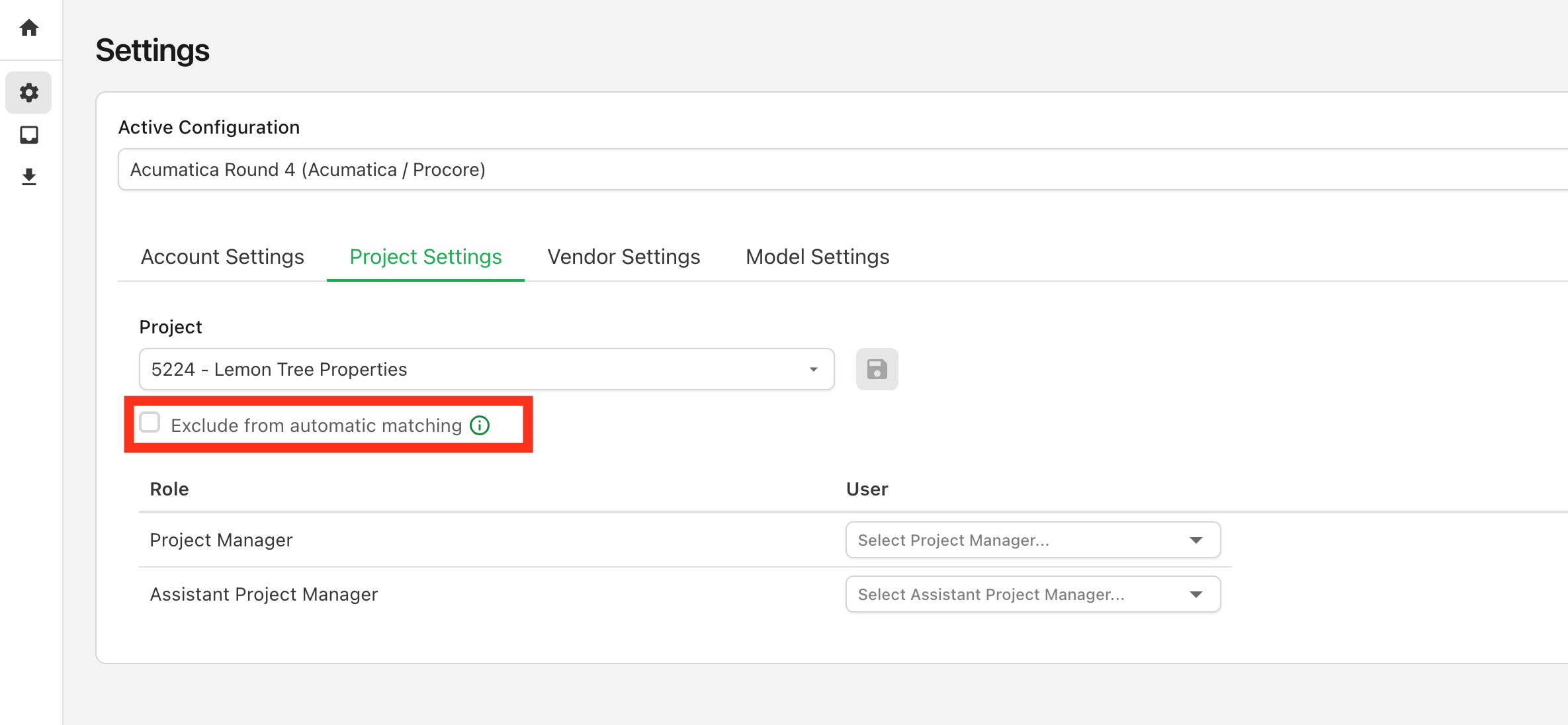
To exclude a project from automatching, navigate to Settings > Project Settings > Exclude from automatic matching:
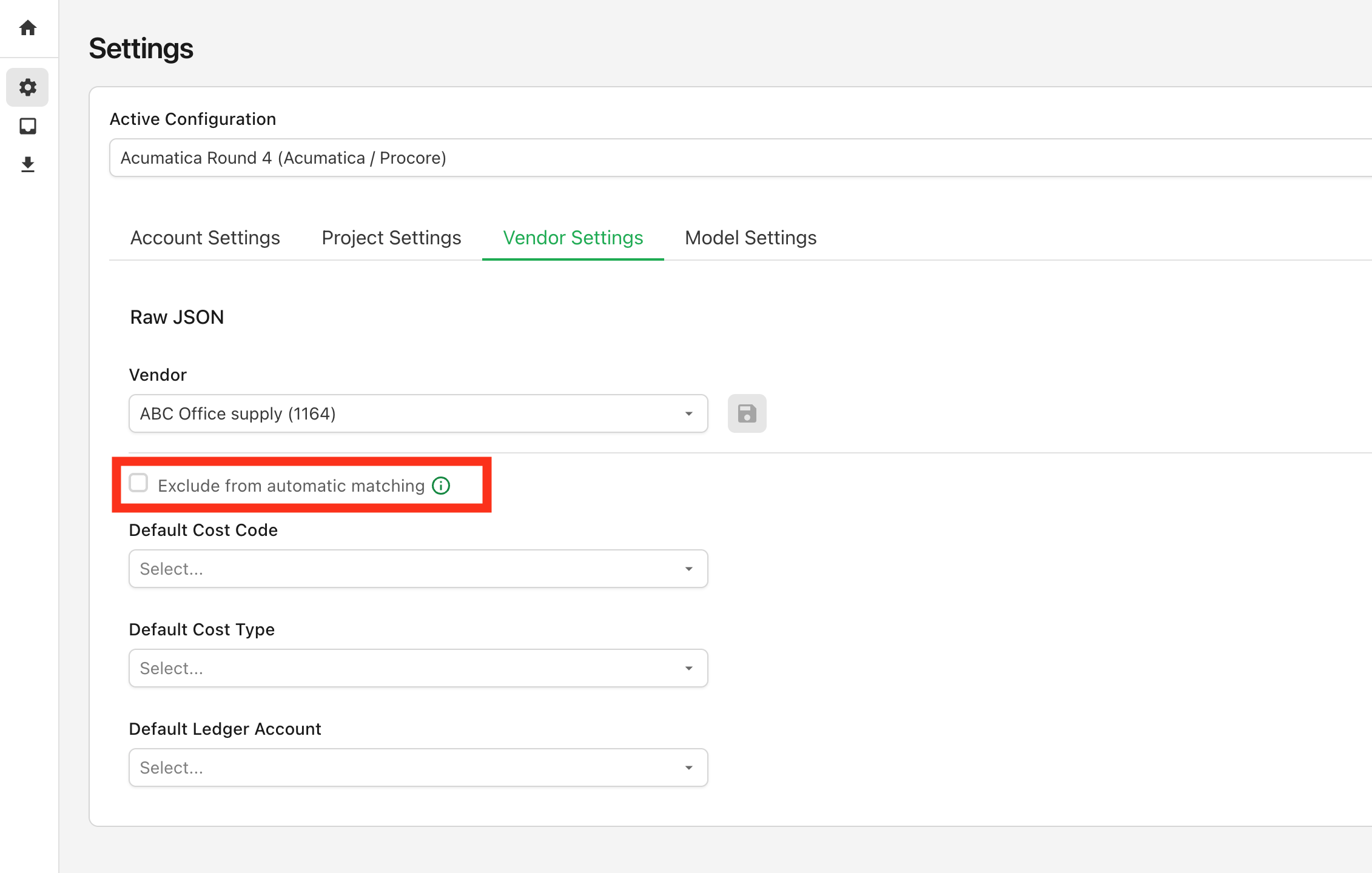
To exclude a vendor from automatching, navigate to Settings > Vendor Settings > Exclude from automatic matching:
A few additional notes:
- This setting only applies on a go-forward basis for newly processed invoices
- It's not permnanent. You can enable/disable at any point as you see fit