Adding New Cards to Agave
If you issue new cards to employees, you will need to re-authenticate with Plaid to see the card and transactions within Agave. This requires an admin login to your bank and follows similar steps to the original connection.
Refreshing a Bank Connection
-
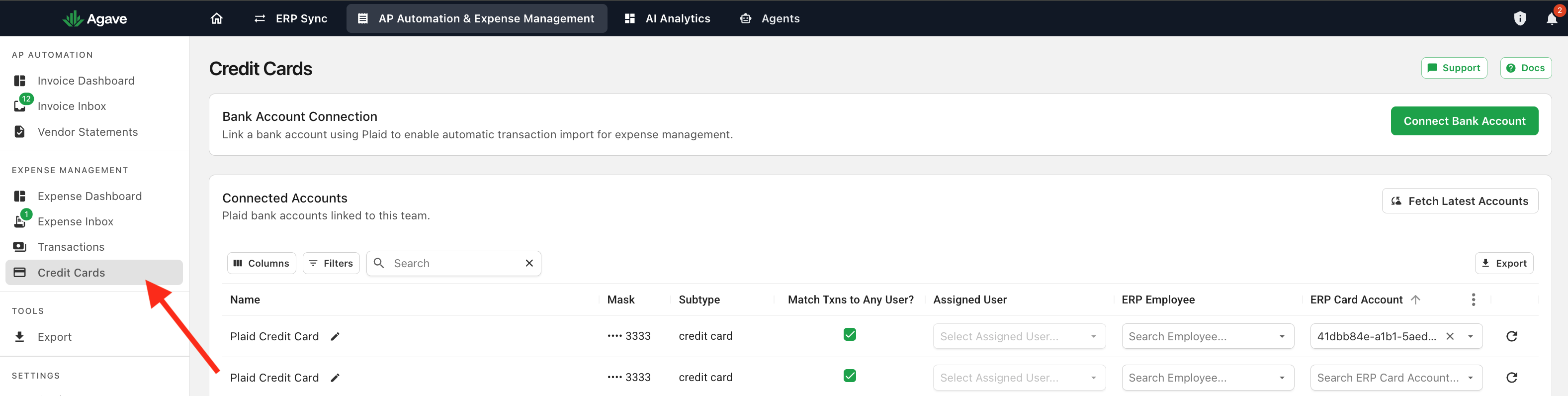
Navigate to the credit card setup page within Agave:
-
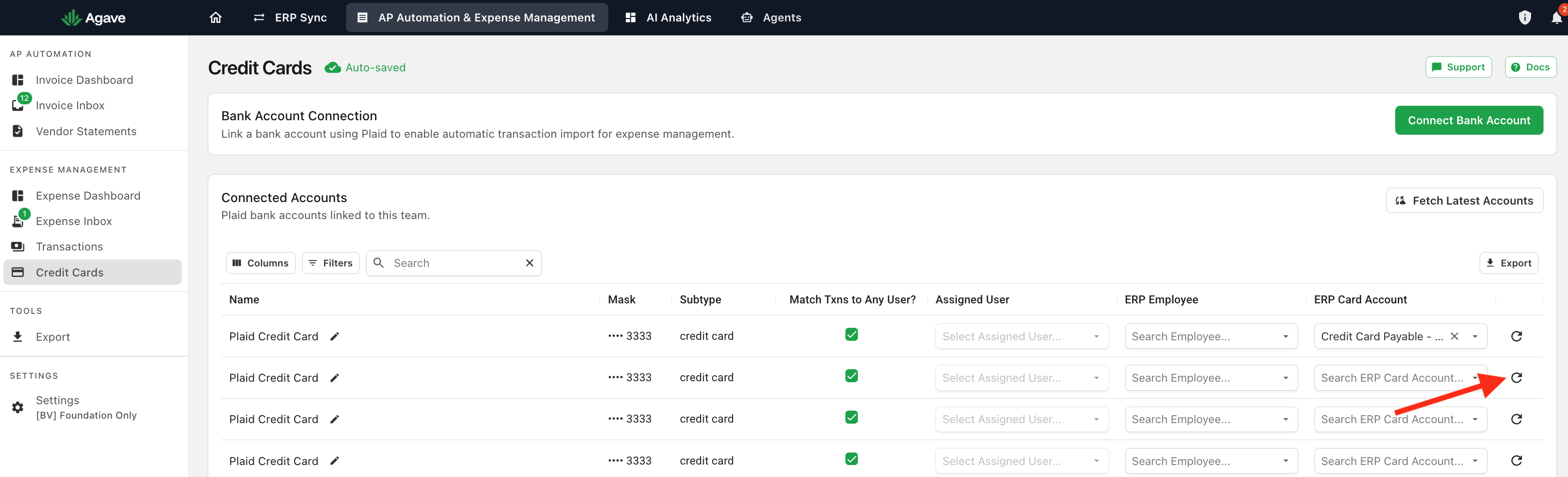
Click on the reconnect button for the desired bank connection:
note
If you have multiple cards for that bank connection, choose the Parent Row to reconnect.
- Reconnect the Bank Account via Plaid. This will require an admin/owner login for the bank account.
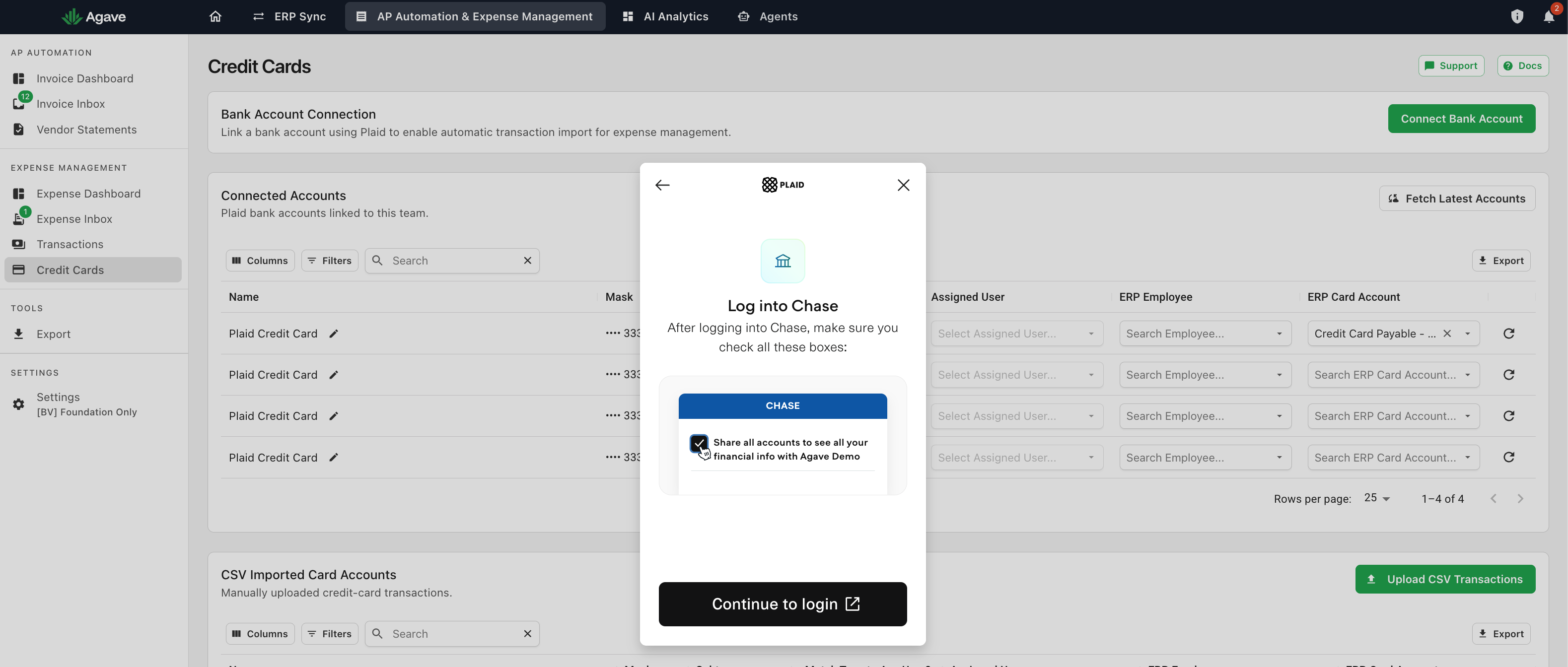
After reconnecting, the new card and its transactions should be available upon clicking Fetch Latest Accounts.