Users and Permissions Setup
Quickstart
Follow this tutorial for a steamlined setup.
User Permissions
Agave provides 2 levels of access in the user interface:
-
Admins Admins have access to all invoices across all projects. They have the ability to:
- Edit any field
- Send any invoice to the respective reviewer
- Approve or reject any invoice
- Sync invoices to your ERP
-
Reviewers Reviewers have access to the invoices within their assigned projects and invoices direclty assigned to them. They can:
- Edit pre-set Field-level fields
- Approve or Reject their assigned invoices
Setting Field-Level Permissions
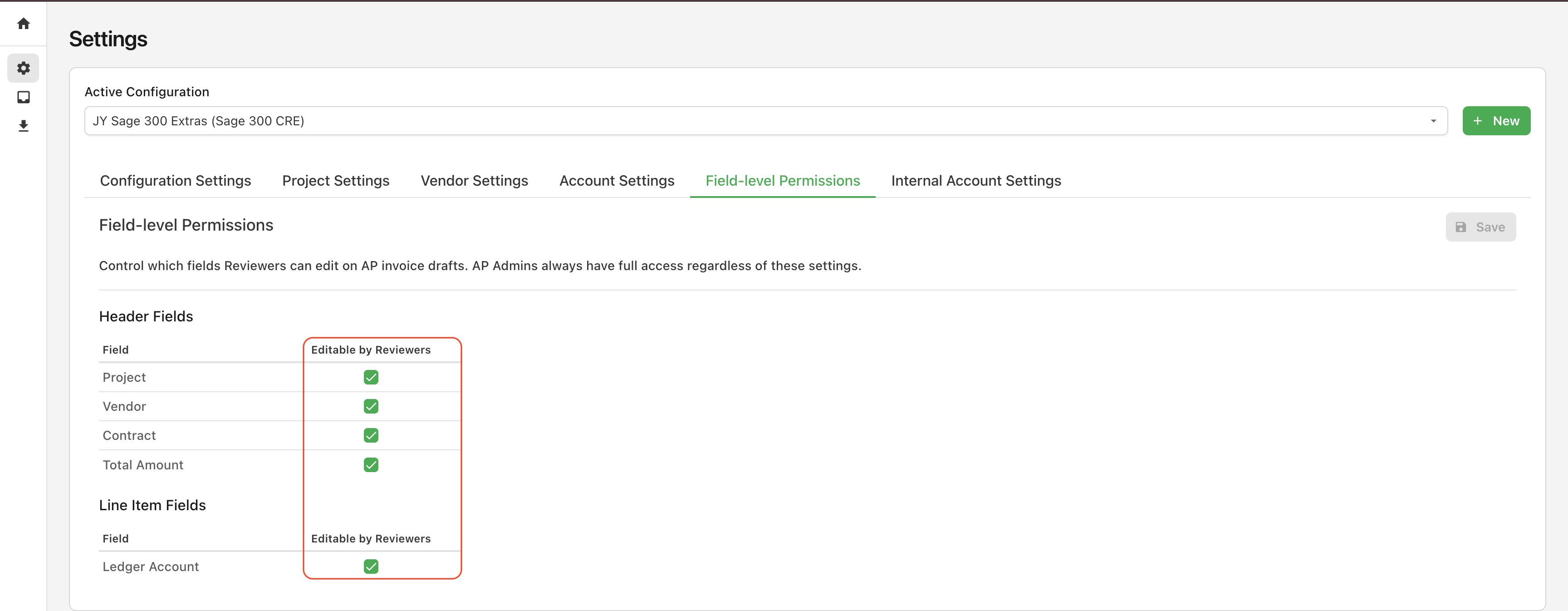
Admins can set which fields are editable by reviewers in the "Field-level Pemissions" tab:
Setting Default Reviewers
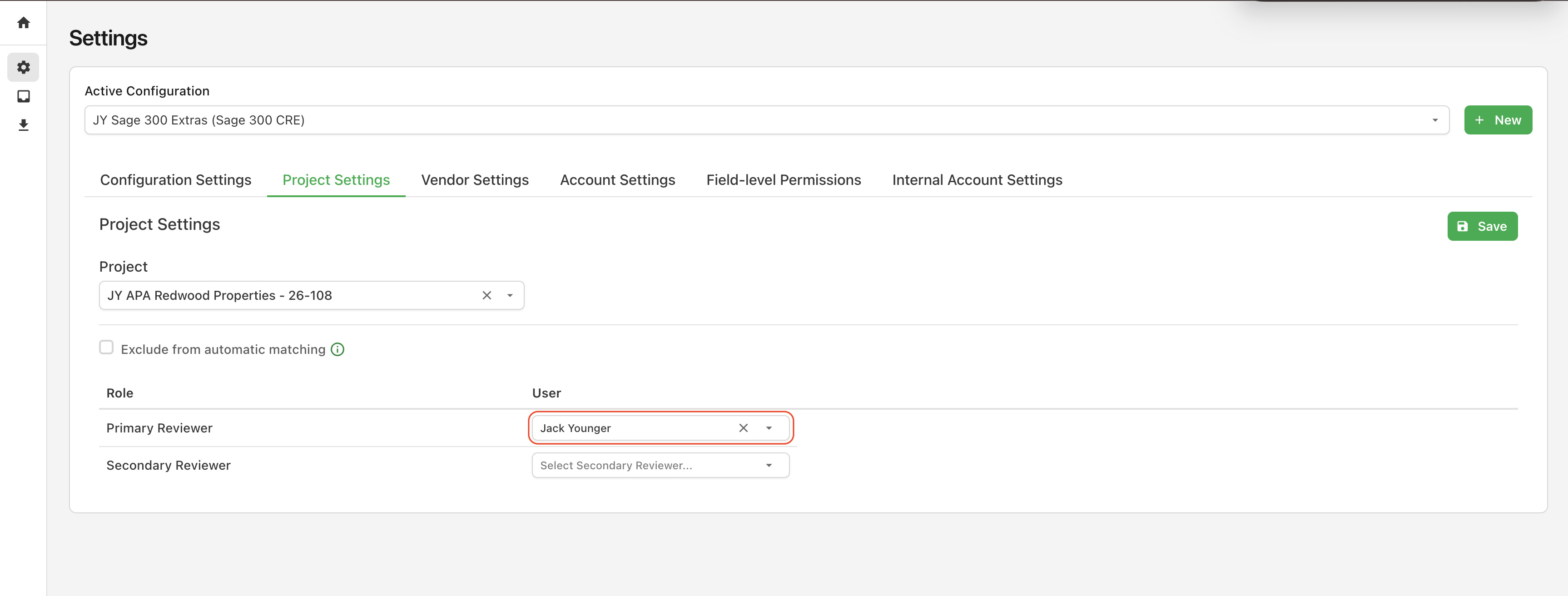
Admins can also set a default Primary and Secondary Reviewer for a given project, allowing Project Managers and Assistant Project Managers to automatically be assigned their respective invoices to approve.