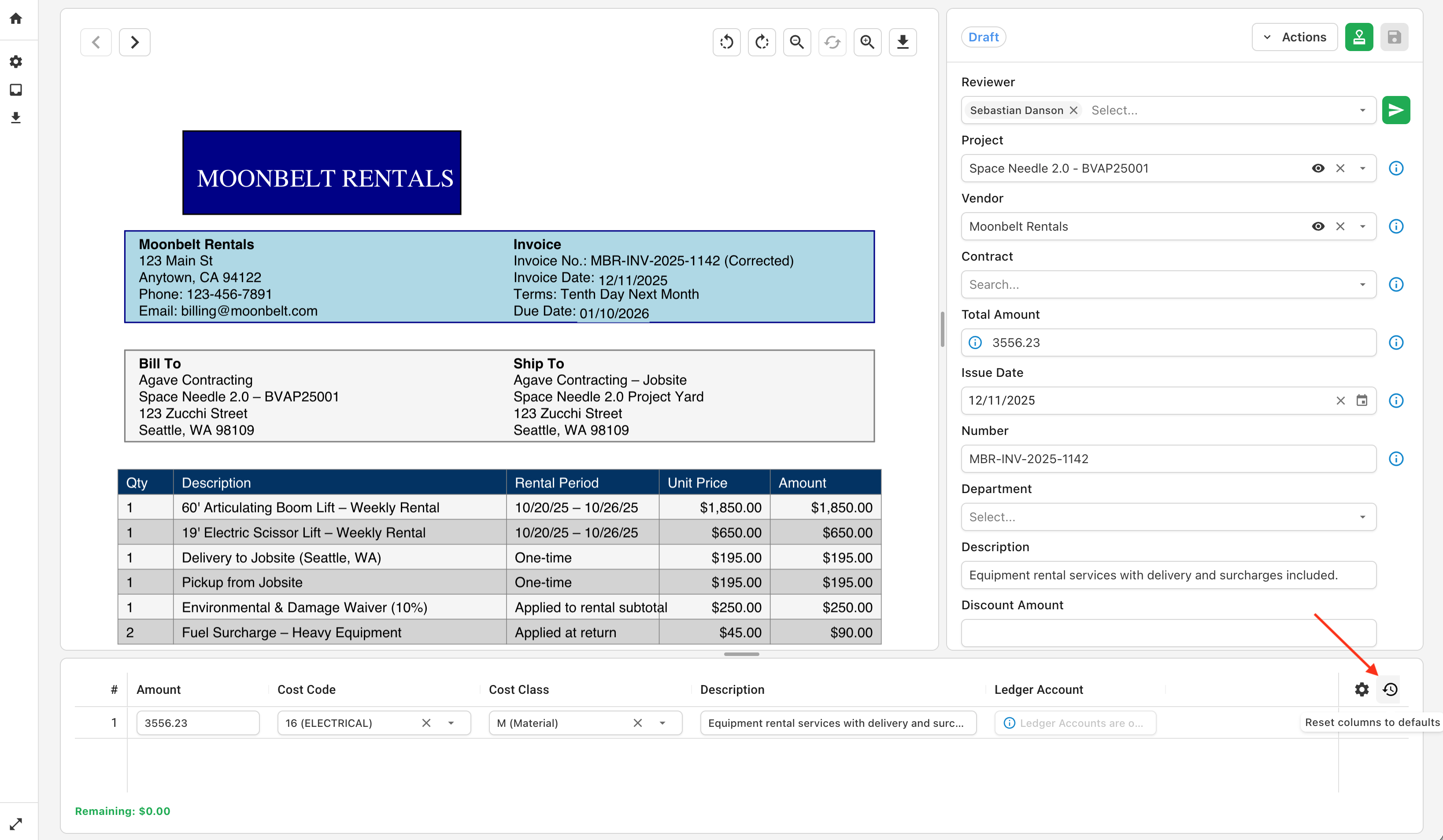
Default Field Visibility
You can tailor the default fields and naming conventions visible to your users so their experience is more familiar and streamlined.
These settings determine which fields are visible by default for coding line items when users first sign in. They can modify their own settings and/or revert to this default template at any point.
Setting up Default Fields
To set up the default field layout for your users, navigate to Settings > Field-Level Settings > Table Settings:
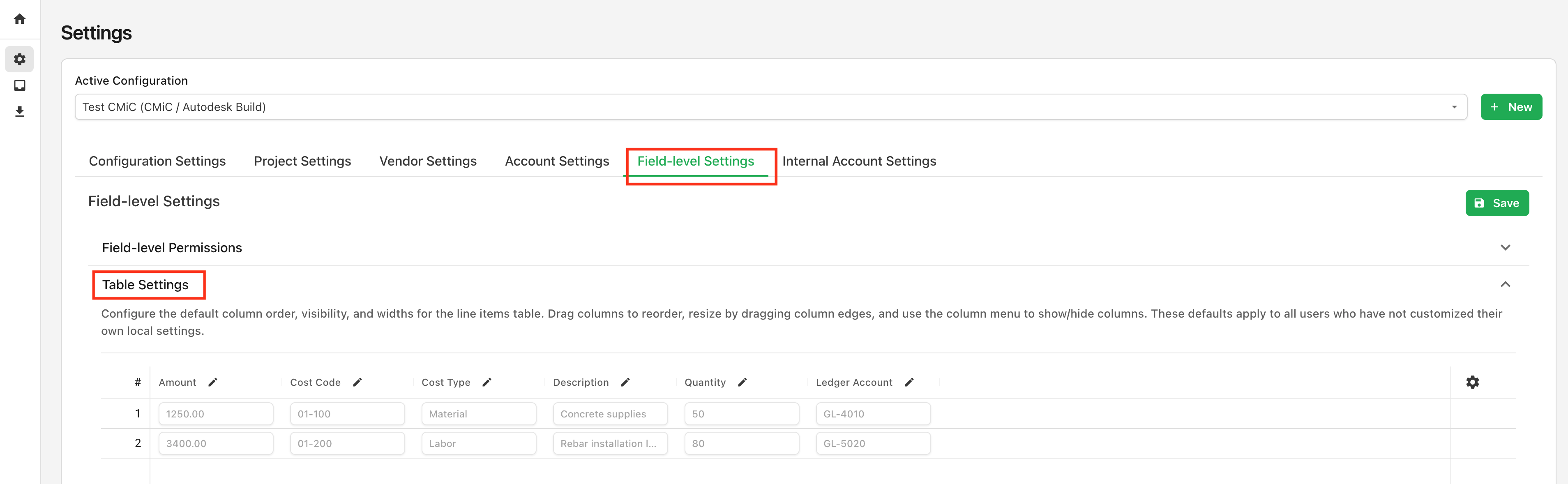
Use the Table Settings to set the default layout. Configure the default column order, visibility, and widths for the line items table. Drag columns to reorder, resize by dragging column edges, and use the column menu to show/hide columns:

You can also modify the field names to nomenclature more familiar to your users:

Click Save at the top right of the page to confirm your changes.
User Experience
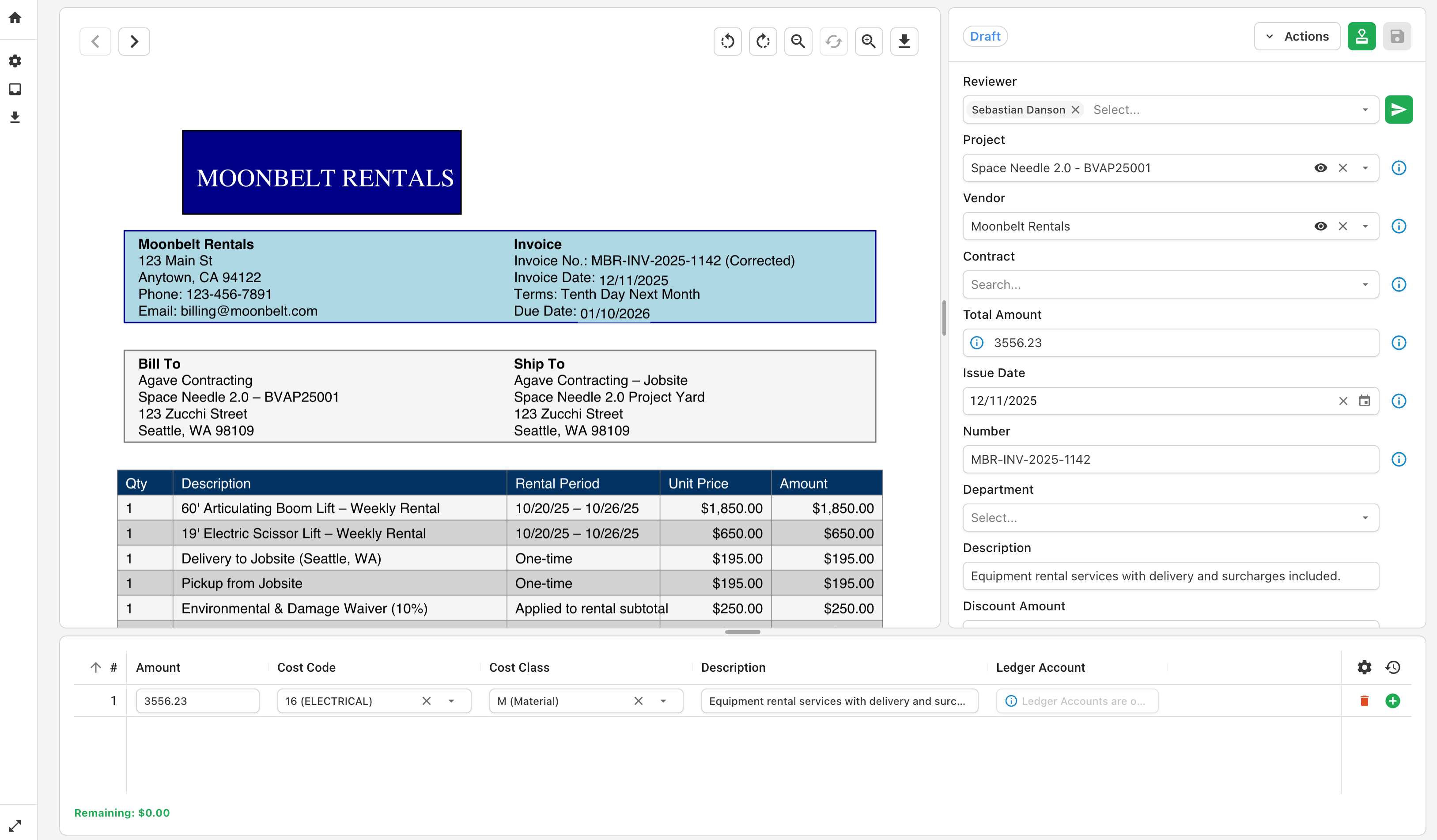
Your Line Item Table Settings will determine how the line items are displayed when users first log into Agave to code invoices:
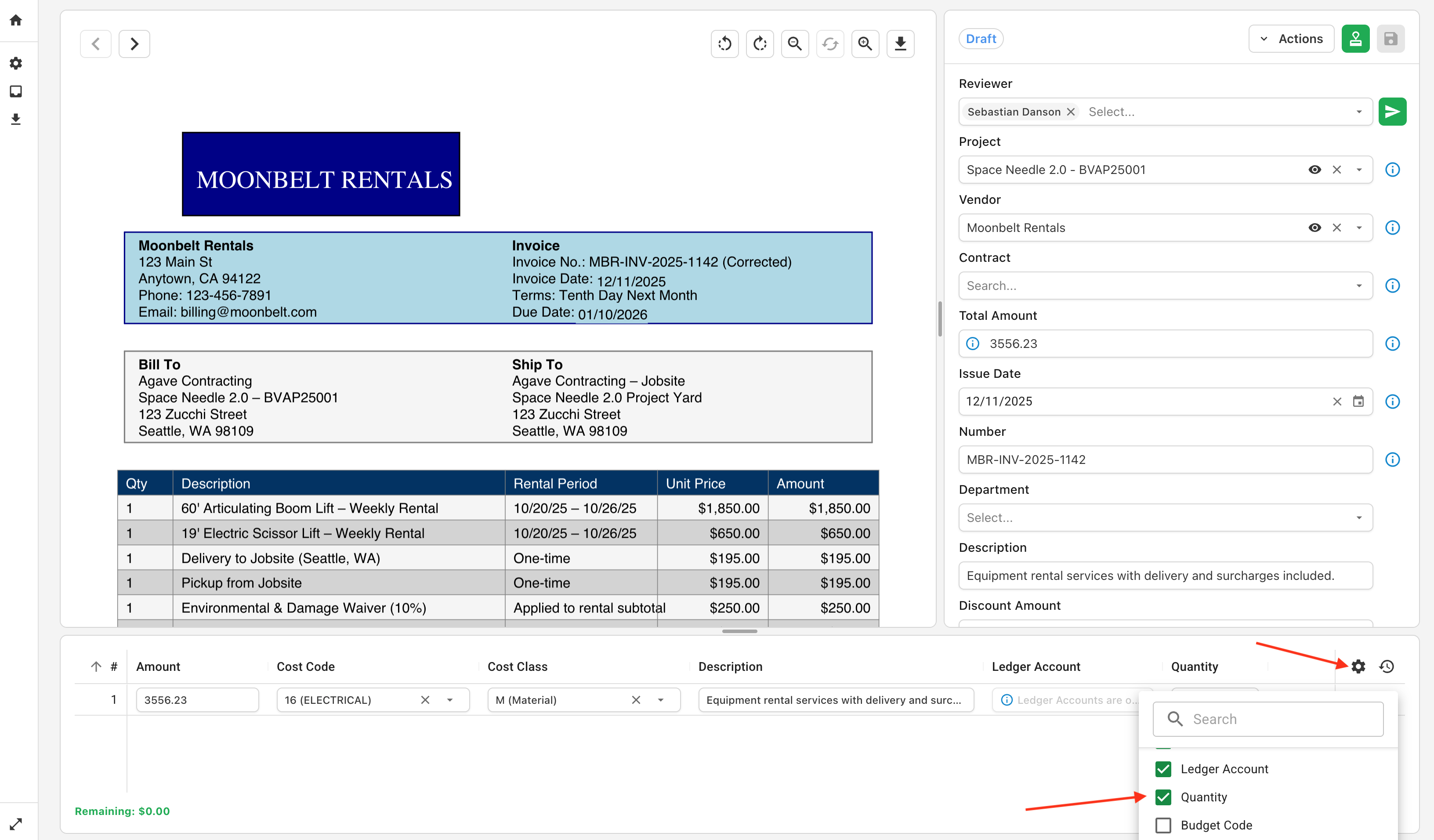
Users can modify the layout to their preference at any point:
To return to the default layout, users can click "Return to Default":